

Wealthfolio is an independent portfolio-tracking application and is not affiliated with, endorsed by, or sponsored by Moomoo.
United States, Canada
Track your Moomoo portfolio with Wealthfolio
Connect your eligible Moomoo account once. Wealthfolio keeps supported data up to date and brings those investments together with accounts held elsewhere.
Brokerage sync is included in Wealthfolio Connect Essentials, from $7.99/mo. How Connect works
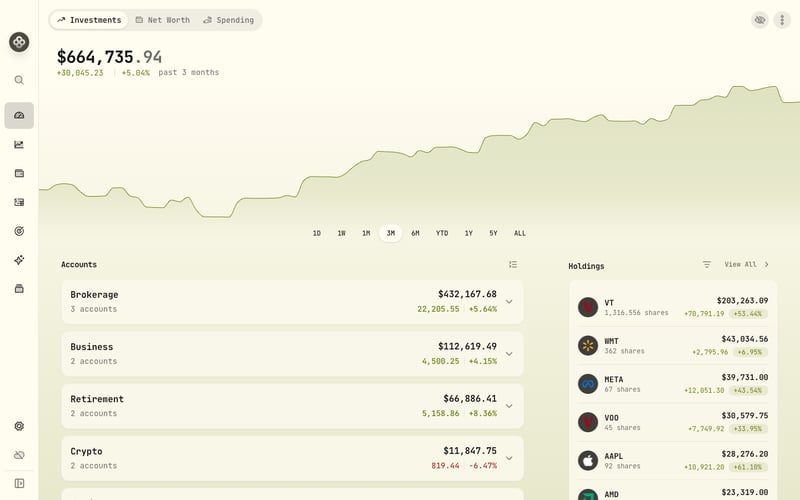
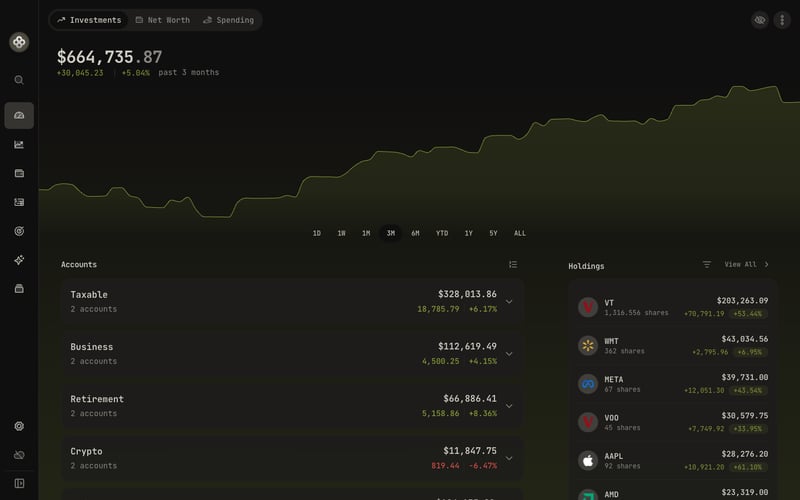
From your Moomoo account to your whole investment picture
Keep your portfolio current
Keep supported balances, holdings, and activities up to date using the refresh options available for this connection.
Bring institutions together
See Moomoo alongside your other brokerage, crypto, and manually tracked accounts in one investment and net worth view.
Use the combined picture
Explore allocation, income, performance, goals, and benchmarks across the investments you bring together.
Available views depend on the data and history supported by each connection.
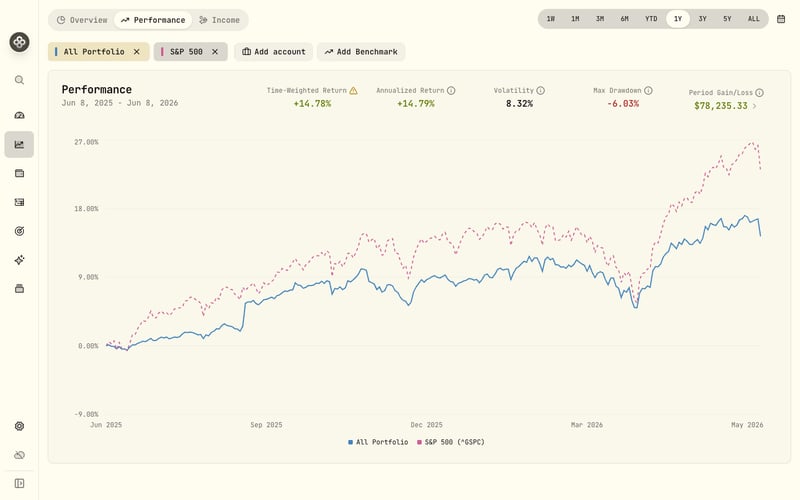
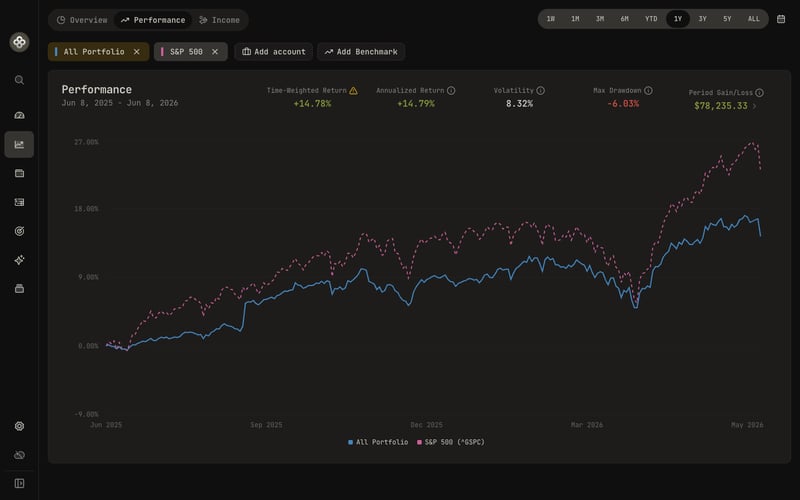
What syncs from Moomoo
- Available data
-
- ETF, option, and stock holdings with account balances
- Buy and sell transactions
- Eligible accounts
- Eligible Moomoo accounts in the United States and Canada shown during authorization.
- Available history
- Buy and sell activity can extend back to the account opening date; other activity types may be omitted.
- Updates
- Moomoo makes source data available in real time; Wealthfolio refreshes once a day or whenever you choose Sync now.
How to connect Moomoo
Connection method: OAuth on Moomoo's website. Follow the steps below to add the account.
-
Choose Moomoo in Wealthfolio Connect and open SnapTrade's secure connection window.
-
Follow the redirect to Moomoo's website and sign in there.
-
Review the eligible accounts and read-only access requested for portfolio synchronization.
-
Approve the connection, return to Wealthfolio, and review your accounts.
Your account stays under your control
Read-only access
The connection can retrieve account data. It cannot place trades or move money.
Your sign-in
With OAuth, you enter your Moomoo username and password only on Moomoo's website. Wealthfolio and SnapTrade never receive them, and you can revoke the authorization without changing your password.
Your Wealthfolio data
Supported account data is passed to Wealthfolio on your device. Wealthfolio does not persistently store your holdings, balances, or activities on its servers.
Good to know about this connection
- The Moomoo connection syncs buys and sells but not every type of activity. You can use Holding Snapshots when a complete history is unavailable, or add missing dividends, fees, and transfers yourself or by CSV.
- Moomoo OAuth authorizations last approximately 30 days. Reconnect after expiration to continue receiving updates.
- Market quotes supplied by this connection for Canadian-listed assets can be delayed until the end of the day; US quotes are available in real time.
If activity history is limited, you can still use Wealthfolio's Holding Snapshots mode to follow positions, cash, allocation, and net worth. Complete Transactions supports deeper activity-based analysis when sufficient history is available.
Frequently asked questions
Which Moomoo accounts can I use?
Eligible Moomoo accounts in the United States and Canada appear during authorization.
How much Moomoo activity can Wealthfolio sync?
Buy and sell activity can go back to when you opened the account. Other activity types may not be included.
Why do I need to reconnect Moomoo?
Moomoo authorizations last about 30 days. Reconnect after the authorization expires to keep receiving updates.
Why is a Canadian market quote delayed?
Quotes for Canadian-listed assets can be delayed until the end of the day. Quotes for US assets are available in real time through this connection.
Other ways to add or complete your data
Prefer not to connect, or need history the connection does not include? Import a statement or update transactions and holdings manually.
Learn about CSV importAlso supported
Ready to connect Moomoo?
Moomoo and its associated trademarks are the property of their respective owners.